

Support chat instead of a contact form
A contact form asks for a name, a phone number and a description, and answers by email a day later. In a chat the person types the question in one line and gets the answer in the same window while still on the site. Messages arrive to your team in Telegram, and every visitor has their own history.
Updated
A form and a chat, step by step
| Contact form | WidgetChat | |
|---|---|---|
| What the visitor does | Fills in a name, a phone or an email, the question, sometimes a captcha | Types the question in one line, can attach a screenshot or dictate |
| Where the message goes | To a mailbox that is checked once a day | To a topic in your Telegram group, with a notification |
| How the answer arrives | By email or a call, often the next day | In the same chat window within seconds of you writing it |
| If something needs clarifying | Another email and another day of waiting | The next message in the same conversation |
| What the visitor has to give | Contact details before getting any answer | Only the question |
What your support team gets
- The question right in the messenger The message arrives in Telegram with a notification instead of piling up in a mailbox.
- A screenshot instead of a description On a desktop the visitor captures the page from the chat and marks what is broken with an arrow.
- Voice as text The visitor speaks, support reads: a voice message arrives transcribed.
- The conversation history A person who comes back in the same browser continues the earlier conversation instead of explaining everything again.
- The conversation belongs to the company Talks happen in a topic of a shared group, not in an employee's private messages. The employee leaves, the history stays.
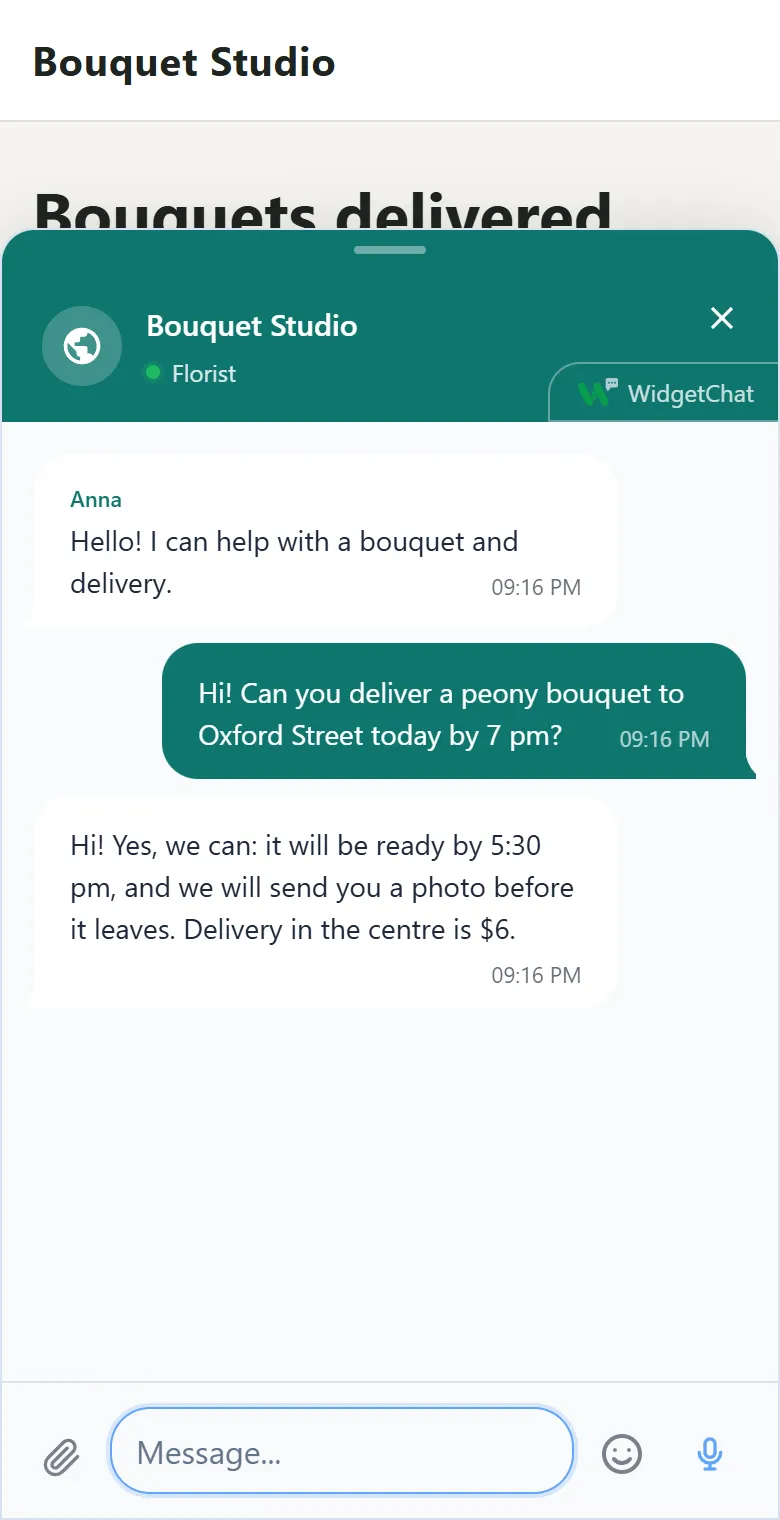
One conversation, however many places you answer from
Visitors write from the chat window on your site. You can answer from several places: the Telegram topic, a Bitrix24 open channel, RetailCRM chats or your own software over the API. They all look at the same conversation, and the visitor receives the reply once, wherever it was written.
Sites in one account never mix: each has its own workspace, its own Telegram group and its own history.
When you still need a form
If the law or your process requires a phone number and a data consent, keep the form on its own page and use the chat for the questions that come before a request. They do not compete: the form collects contacts, the chat removes the doubts that stop people from reaching the form.
When nobody can answer
Support is not in the chat around the clock, and that is fine. What matters is that the message is not lost. It waits in the topic and finds the person when you answer: with a sound and an unread count on the tab if it is open, or as the earlier conversation on the next visit.
There is no separate working-hours setting. But you write the invitation text yourself and can say in it when you answer, for example from 9 to 9, and at night in the morning.
If our storage is unavailable for a minute, the window keeps taking messages and sends them once the connection is back. The visitor sees the usual sent mark.
Frequently asked questions
Do I need a separate agent panel?
No. Messages arrive in Telegram and replies are written from there. If a department lives in Bitrix24 or RetailCRM, it can answer from there too.
How many people can answer?
Everyone you make an admin of the support group. There is no per-agent fee.
Why is a chat better than a contact form?
With a form the person sends a question and waits for an email. In a chat they get the answer in the same window and can ask a follow-up right away.
Can my own button open the chat?
Yes. The button just calls WidgetChat.open, optionally with the start of a message. The widget documentation shows how.
Can I export the message history?
Yes, through the public API: the list of conversations and each one's messages. The key is issued in the dashboard.
Read next
Add the chat to your website
Sign up with email or Telegram, set it up in the dashboard, paste one line of code. Free.